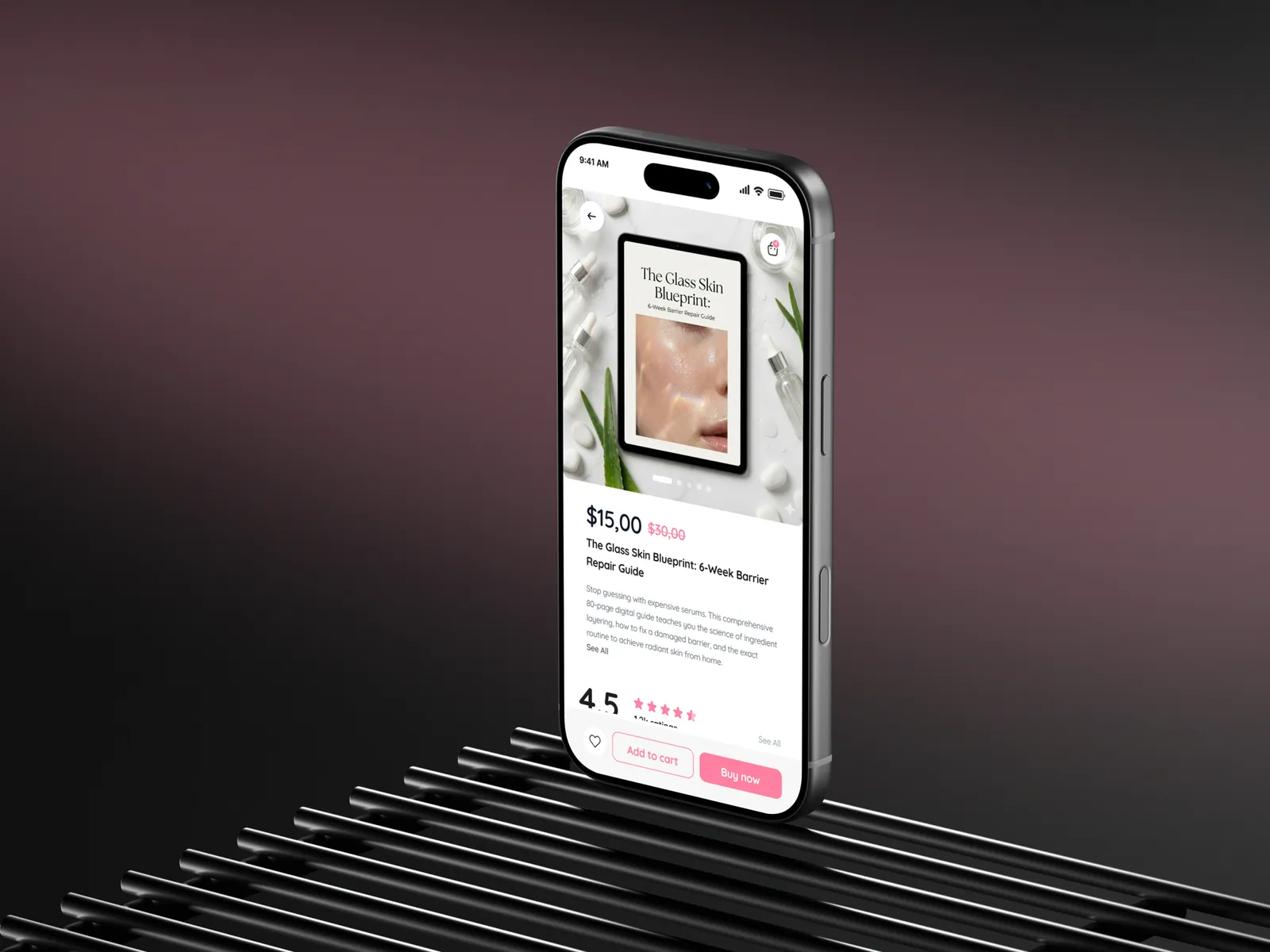
Your fashion marketplace goes into App Review with the camera permission string set to “Camera access is needed for the best experience.” Two days later it comes back rejected under Guideline 5.1.1 with a screenshot of your own permission dialog, and the launch date slips a week.
3.1.3(e)
Apple guideline that keeps physical goods out of in-app purchase
100
Characters in the App Store keywords field
May 1, 2024
Privacy manifest enforcement at upload began
API 35
Minimum Play target level since August 31, 2025
The short version
Physical goods never go through in-app purchase or Google Play's billing system. Only digital extras do: a membership with in-app perks, a digital-only gift card, a paid feature.
Every permission needs a purpose string that says what you do with the data, and the app has to keep working when the user taps "Don't allow".
Your App Privacy labels and Data safety form must match what the binary actually sends, including the payment, analytics and attribution SDKs you didn't write.
The reviewer needs a demo account that can complete a checkout end to end, an in-app account deletion flow, and a public privacy policy URL.
Which purchases must go through the store, and which must not
Take a fashion marketplace like SHEIN as the reference feature set: product catalogue, text and camera search, wishlist, cart, checkout with card plus Apple Pay and Google Pay, order tracking, push notifications, reviews with photos, live shopping video, referral codes, and an account with saved addresses. Nothing here describes how that app is configured internally, only what any app with those features has to declare.
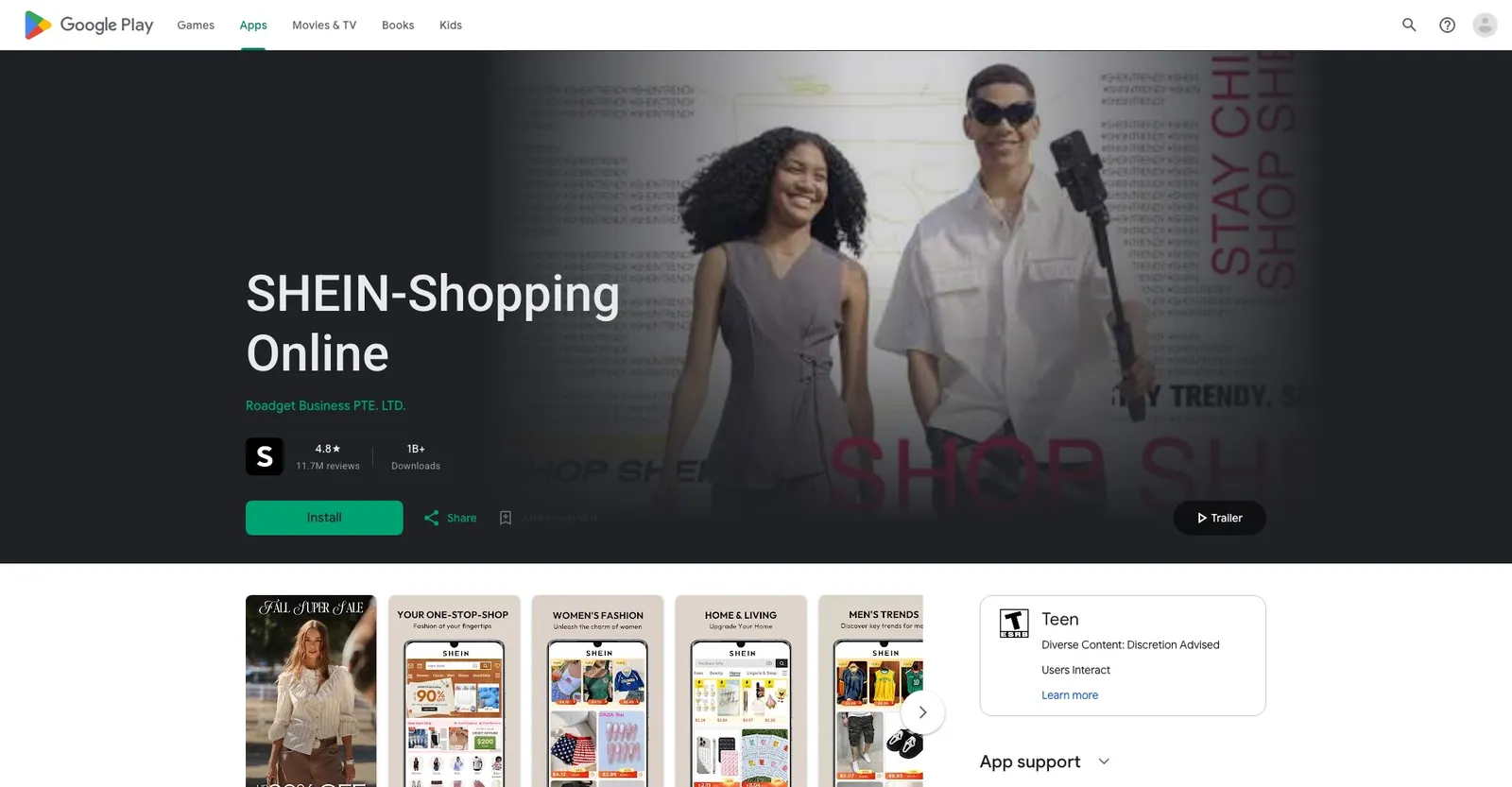
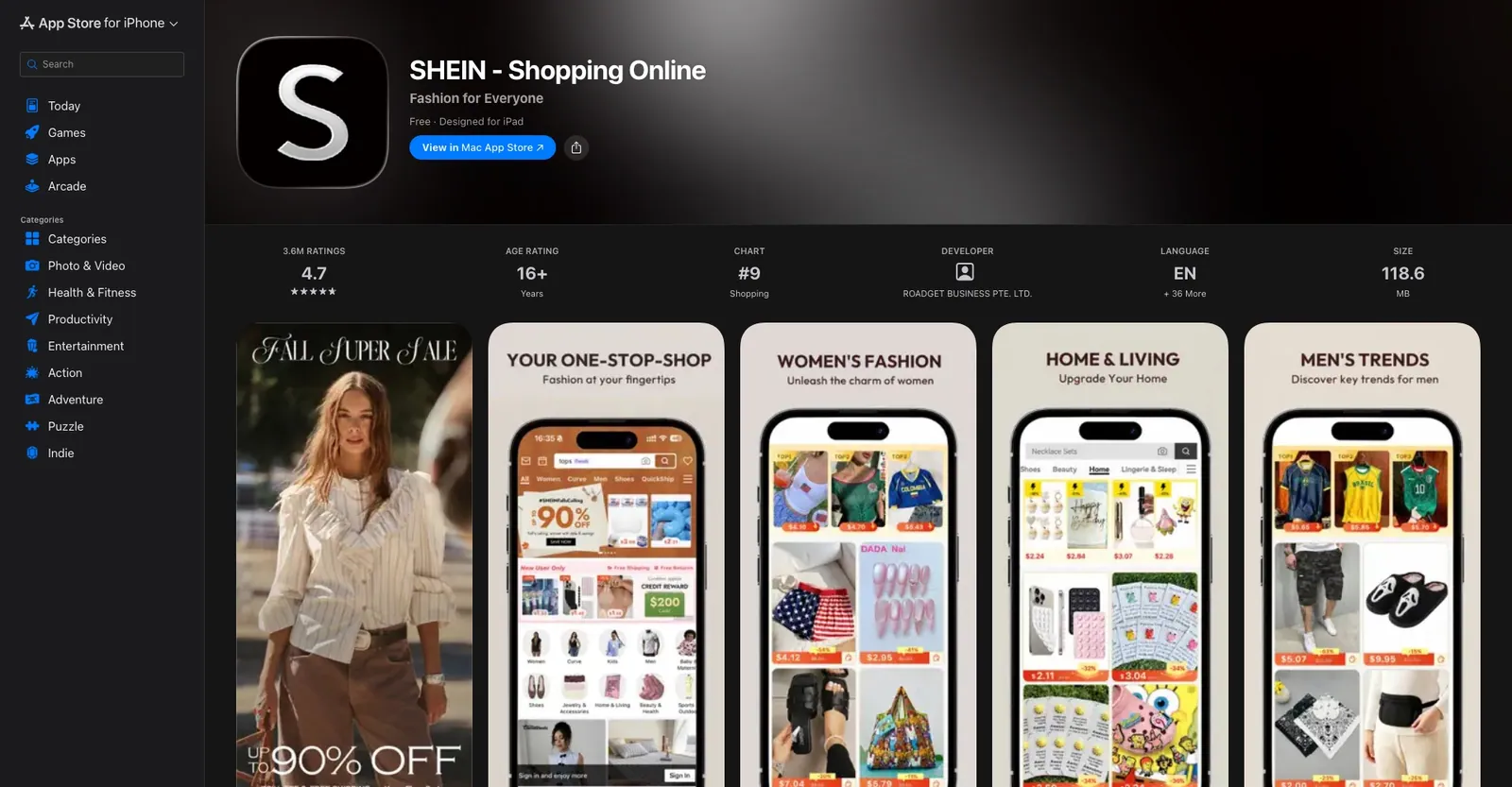
On iOS the rule splits cleanly. Guideline 3.1.1 says digital content, features and subscriptions consumed inside the app must be sold through in-app purchase. Guideline 3.1.3(e), “Goods and Services Outside of the App”, says physical goods and services consumed outside the app must use other payment methods, such as Apple Pay or card entry. Route a dress through in-app purchase and you'll be rejected; route a digital product through your card form and you'll be rejected under 3.1.1.
Google Play's Payments policy mirrors this. Apps selling digital goods or services must use Google Play's billing system; the policy explicitly excludes payment “solely for physical products”, and says its billing system must not be used for them.
Store billing still applies to anything digital layered on top: a membership whose perks are consumed in the app, such as early access to drops, or a paid feature like an ad-free mode. A gift card redeemable only against physical orders is treated like the goods it buys. When a membership mixes free shipping with digital perks, expect Apple to read it as digital and prepare your argument for Resolution Center before you submit.
Outside store billing
Physical goods and services
Clothes, shoes, delivery slots, gift cards spent on physical orders. Card entry, Apple Pay, Google Pay.
Store billing required
Digital extras
Memberships with in-app perks, paid features, digital-only gift cards. In-app purchase and Play Billing.
Which Info.plist keys does each feature trigger on iOS
Apple rejects vague purpose strings under Guideline 5.1.1(ii), which requires them to clearly and completely describe how the app uses the data. Write every string as “we use X to do Y”, request it when the feature is tapped, and degrade gracefully when denied.
Camera search
NSCameraUsageDescriptionTriggered the moment the user opens the visual-search viewfinder.
Bad: “Camera access is needed for the best experience.”
Good: “Point your camera at an outfit to find similar items in our catalogue.”
Photo reviews
NSPhotoLibraryUsageDescriptionNot needed if you use the system picker. PHPickerViewController runs out of process, and Flutter's image_picker uses it on iOS 14 and later. Add the key only if you read the library directly.
Good: “Choose photos from your library to attach to your product review.”
Delivery estimates and pickup points
NSLocationWhenInUseUsageDescriptionNSLocationDefaultAccuracyReducedNever request Always for a shopping app. If city-level accuracy is enough, set the reduced-accuracy key to true.
Good: “Your location is used to show delivery times and pickup points near you.”
Attribution SDKs that read the IDFA
NSUserTrackingUsageDescriptionShows the App Tracking Transparency prompt under Guideline 5.1.2(i). Never gate a feature on the answer.
Good: “Allowing tracking lets us measure which ads brought you here.”
Face ID at checkout
NSFaceIDUsageDescriptionRequired for any LocalAuthentication call, even if you only use it to confirm a saved card.
Good: “Use Face ID to confirm orders paid with your saved payment method.”
Referral codes from contacts
NSContactsUsageDescriptionThe lower-friction option is the share sheet, which needs no permission at all.
Good: “Pick friends from your contacts to send them your referral code.”
Push notifications
No Info.plist key, but marketing pushes need explicit opt-in and an in-app opt-out under Guideline 4.5.4.
Live shopping
NSMicrophoneUsageDescriptionNothing for viewers. Only if hosts stream from the app.
Privacy manifest
The second iOS artefact is the privacy manifest, PrivacyInfo.xcprivacy, in the Runner target of a Flutter project. NSPrivacyTracking is true if any SDK uses the IDFA for tracking, NSPrivacyTrackingDomains lists where that data goes, and NSPrivacyCollectedDataTypes mirrors your App Privacy labels. NSPrivacyAccessedAPITypes lists required-reason APIs with a reason code: UserDefaults with CA92.1 for a saved cart, FileTimestamp with C617.1 for image caches, SystemBootTime with 35F9.1 and DiskSpacewith E174.1 if an analytics SDK needs them. Since May 1, 2024, App Store Connect rejects uploads that use these APIs without a declared reason, by ITMS-91053 email rather than a review note. Third-party SDKs on Apple's published list must ship their own manifest and signature; run Xcode's privacy report on the archive before you upload.
Which Android permissions and Play Console declarations does the same app need
The manifest maps feature for feature.
Camera search
CAMERARuntime permission. Add uses-feature android.hardware.camera required="false" so devices without a camera can install.
Location
ACCESS_COARSE_LOCATIONACCESS_FINE_LOCATIONCoarse first; fine only if a pickup map needs it. A shopping app has no case for background location.
Push notifications
POST_NOTIFICATIONSRuntime permission since Android 13 (API 33). Without the prompt, notifications are silently dropped.
Attribution
com.google.android.gms.permission.AD_IDNeeded to read the advertising ID on Android 13 and later. SDKs often merge it in automatically; if you don't use it, strip it with tools:node="remove" and say so in the Play Console declaration.
Photo reviews
Android photo pickerNeeds no permission. Play's Photo and Video Permissions policy restricts READ_MEDIA_IMAGES and READ_MEDIA_VIDEO to apps whose core purpose needs broad library access; a shopping app requesting them should expect to lose that argument.
Biometric checkout
USE_BIOMETRICNormal permission, no prompt.
Referral from contacts
Contact picker intentBetter than READ_CONTACTS, which is sensitive and Play will ask why. Live hosts need RECORD_AUDIO.
New apps and updates have had to target Android 15 (API 35) since August 31, 2025, and the bar moves every August. An out-of-date target is refused at upload, not in review.
Then Play Console, under Policy and App content, where every card must be completed before you can publish:
Privacy policy
A live URL.
Ads
"Contains ads" only for third-party ad SDKs, not your own promotions.
App access
"All or some functionality is restricted", with credentials.
Content rating
The IARC questionnaire, where reviews and live chat mean yes to user interaction.
Target audience
13 and over or 18 and over; any under-13 group pulls you into the Families policy.
Advertising ID
Yes if any SDK reads it.
Financial features
Check the wording if you integrate a buy-now-pay-later provider.
How to fill App Privacy and Data safety for a shopping app
Both forms ask the same question: which data types leave the device, are they linked to an identity, and what are they used for. In a shopping app nearly everything is linked, because the user is signed in, and only attribution data is “used for tracking” in Apple's sense. Play also asks whether each type is collected or shared, ephemeral, optional, and encrypted in transit.
Data collected by an SDK inside your binary counts as collected by you on both stores. If card details are typed into a payment provider's SDK inside your app, declare Payment Info even though your server only sees a token.
“Over-declaring doesn't get you rejected. Under-declaring is the most common reason an e-commerce update gets held.”
| Feature | Data collected | iOS App Privacy label | Play Data safety entry |
|---|---|---|---|
| Account and saved addresses | Name, email, phone, shipping address | Contact Info: Name, Email Address, Phone Number, Physical Address | Personal info: Name, Email address, Phone number, Address |
| Card checkout via payment SDK | Card details entered in the SDK; token on your server | Financial Info: Payment Info | Financial info: User payment info |
| Apple Pay and Google Pay | Payment token, billing and shipping address | Contact Info: Physical Address | Personal info: Address |
| Orders and order tracking | Purchase history | Purchases: Purchase History | Financial info: Purchase history |
| Text and camera search | Queries; photos if retained server-side | Search History; User Content: Photos or Videos | App activity: In-app search history; Photos and videos |
| Wishlist, cart, browsing | Product interaction events | Usage Data: Product Interaction | App activity: App interactions |
| Delivery estimates and pickup | Approximate or precise location | Location: Coarse Location or Precise Location | Location: Approximate location or Precise location |
| Push notifications | Push token | Identifiers: Device ID | Device or other IDs |
| Reviews with photos | Photos, review text | User Content: Photos or Videos, Other User Content | Photos and videos; App activity: Other user-generated content |
| Attribution (IDFA or GAID) | Advertising identifier, install event | Identifiers: Device ID; Usage Data: Advertising Data, used for tracking | Device or other IDs, purpose Advertising or marketing |
| Referral via contacts | Contact names and numbers | Contacts: Contacts | Contacts |
| Crash reporting | Crash logs, diagnostics | Diagnostics: Crash Data, Performance Data | App info and performance: Crash logs, Diagnostics |
What does the reviewer need to actually complete a checkout
A reviewer who can't reach the order confirmation screen rejects under Guideline 2.1, App Completeness. Give them a straight path.
A demo account with a pre-filled cart
Enter it in App Store Connect under App Review Information with “Sign-in required” ticked, and in Play Console under App access. Seed it with a saved address in a country you ship to and two or three items in the cart.
A test payment method that works in the production build
Add a server-side review flag that routes the demo account's orders to the payment provider's test environment, and put the provider's documented test card in the notes. Don't ship a build that skips payment for reviewers; a hidden bypass is its own rejection.
Notes that anticipate the questions
Which countries you ship to, that demo orders aren't fulfilled, and what the live shopping tab shows when no stream is running.
Account deletion inside the app
Guideline 5.1.1(v) has required in-app deletion since June 30, 2022. Play requires the same plus a web URL, declared in the Data safety form's data deletion section. Deleting means deleting, not deactivating; if you keep order records for tax reasons, the privacy policy has to say so.
A privacy policy URL in three places
App Store Connect under App Information, Play Console under App content, and inside the app.
User-generated content controls
Photo reviews and live chat put you under Guideline 1.2: report, block, filter, and published contact details. Play's User Generated Content policy asks for the same.
Sign in with Apple
Required under Guideline 4.8 if you offer Google or Facebook login.
Alvi Beauty, a beauty marketplace we shipped to both stores, went through this exact list: checkout, saved payment methods, reviews and account deletion, on iOS and Android.
How to write keywords and listing copy without a metadata rejection
The App Store Keywords field is 100 characters, comma-separated, no spaces after commas. Don't repeat words already in your name or subtitle, and don't spend characters on your category name. For a fashion marketplace, this uses 96 characters and covers what people actually type:
What gets the listing bounced under Guideline 2.3.7: competitor names or trademarks, pricing claims, “best”, “free”, and any term unrelated to the app. A metadata rejection costs a resubmission even when the build is fine.
On Play the title is 30 characters, the short description 80, the full description 4,000 and indexed. The Metadata policy rejects “best”, “#1”, “free”, “sale” and percentage discounts in the title and short description, emoji, all-caps words that aren't your brand, testimonials, and repeated keyword blocks. Screenshots on both stores must show the app itself; Apple's Guideline 2.3.3 says so directly. A shopping app with reviews and live video has user interaction, and both age-rating questionnaires will surface that badge on the listing.
The pattern behind every rule
Key Insight
What you collect has to match what you declare
Both reviewers are checking one thing: does what the binary does match what the metadata says. Purpose strings match features. Privacy labels match SDK traffic. Payment method matches the kind of goods. Listing copy matches screenshots. When you add a feature next quarter, say an AR try-on, ask four questions: what system resource does it touch, what data leaves the device, is anything for sale digital, and does the listing still describe the app. Then update the plist, the manifest, both privacy forms and the review notes in the same pull request as the feature.
Part of the series
App Store and Google Play submission in 2026
This article is the e-commerce chapter. The wider guide covers accounts, signing, testing tracks and everything that isn't specific to selling goods.
Before you submit
Requirements change on a date, not a version
Store rules change several times a year, and both companies enforce new ones on a fixed date. Re-read the current sources below before every submission. Treat everything above as the map, not the territory.
Read Next
How to Choose the Right Technology Stack for Your Product
 Yurii Lysyshak·Product Strategy
How Mobile Apps Are Transforming the Golf Industry: $50,000 Per Day Story
Yurii Lysyshak·Case StudyLYQX — Full-cycle Digital
Submitting a shopping app for the first time?
We've taken e-commerce apps through both stores, from purpose strings to Data safety forms. Send us your feature list and we'll tell you what you need to declare before you hit submit.